Accessibility Test

Accessibility Guides

Our mission is to help dev Teams and website owners on their digital accessibility journey through awesome content and free apps
Black background with white text reading 'WCAG vs ADA' above a line, followed by 'Understanding Key Accessibility Standards.' Below the text is a blue shield icon with a white checkmark, symbolizing compliance and accessibility.

WCAG vs ADA | Understanding Key Accessibility Standards

This guide breaks down the key distinctions between WCAG (global technical guidelines) and ADA (U.S. legal requirements), offering actionable insights to align with both frameworks for accessibility compliance.

Read More
Blue background with white text that reads 'ADA Compliance' at the top and 'What U.S. Businesses Need to Know' below. A shield icon with a checkmark is displayed at the bottom center.

ADA Compliance | What U.S. Businesses Need to Know

Learn about ADA compliance requirements for U.S. businesses, how they align with WCAG standards, and actionable steps to avoid legal risks.

Read More
Blue background with white text that reads 'How to Prepare for the EU Accessibility Regulations.' Below the text is a circle of yellow stars resembling the EU flag, with a wheelchair accessibility symbol in the center. A shield icon with a checkmark is in the top-right corner.

How to Prepare for the EU Accessibility Regulations

Learn practical steps to prepare your business for EU accessibility regulations under the European Accessibility Act (EAA) and achieve WCAG compliance.

Read More
European Accessibility Act (EAA) logo featuring the acronym 'EEA' in white text surrounded by yellow stars on a blue background, resembling the EU flag.

The Countdown to the European Accessibility Act (2025)

Prepare for the European Accessibility Act (2025) with our guide. Learn key deadlines, compliance steps, and benefits of accessibility compliance.

Read More
Blue background with bold white text reading 'WCAG' at the top and 'WCAG 2.2 Explained | What’s New and Why It Matters?' below. A shield icon with a checkmark is displayed in the top-right corner.

WCAG 2.2 Explained | What’s New and Why It Matters

Understand the latest updates in WCAG 2.2 guidelines and how they enhance accessibility in mobile design and cognitive improvements.

Read More
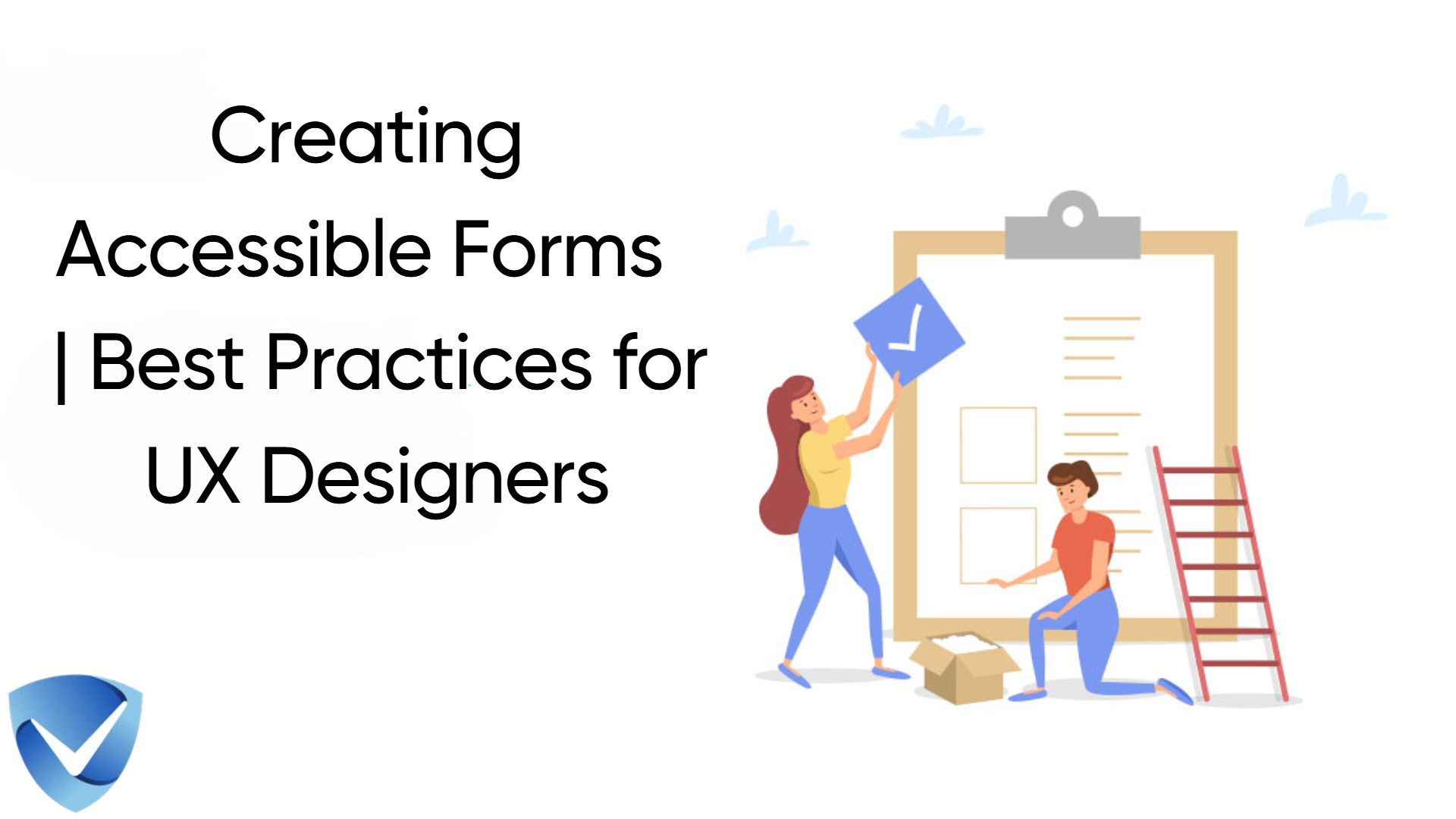
An illustration showing the title "Creating Accessible Forms | Best Practices for UX Designers" with a minimalist design. The image features two cartoon figures working on a large clipboard or form: one person with long hair in yellow clothing reaching up to place a blue checkmark, while another person in red clothing kneels to work on the lower portion of the form. A red ladder leans against the clipboard, and there's a cardboard box on the ground. A blue shield-shaped security or verification icon appears in the bottom left corner. The background is white with subtle light blue cloud shapes.

Creating Accessible Forms | Best Practices for UX Designers

This blog post highlights the importance of creating inclusive forms that consider the diverse needs of users with disabilities. It discusses best practices for designing accessible forms, including clear labeling, keyboard navigation, and effective error messages. Additionally, it emphasizes the importance of testing for accessibility issues and avoiding common pitfalls in form design. By prioritizing accessibility, UX designers can enhance usability for all users and contribute to a more inclusive digital environment.

Read More
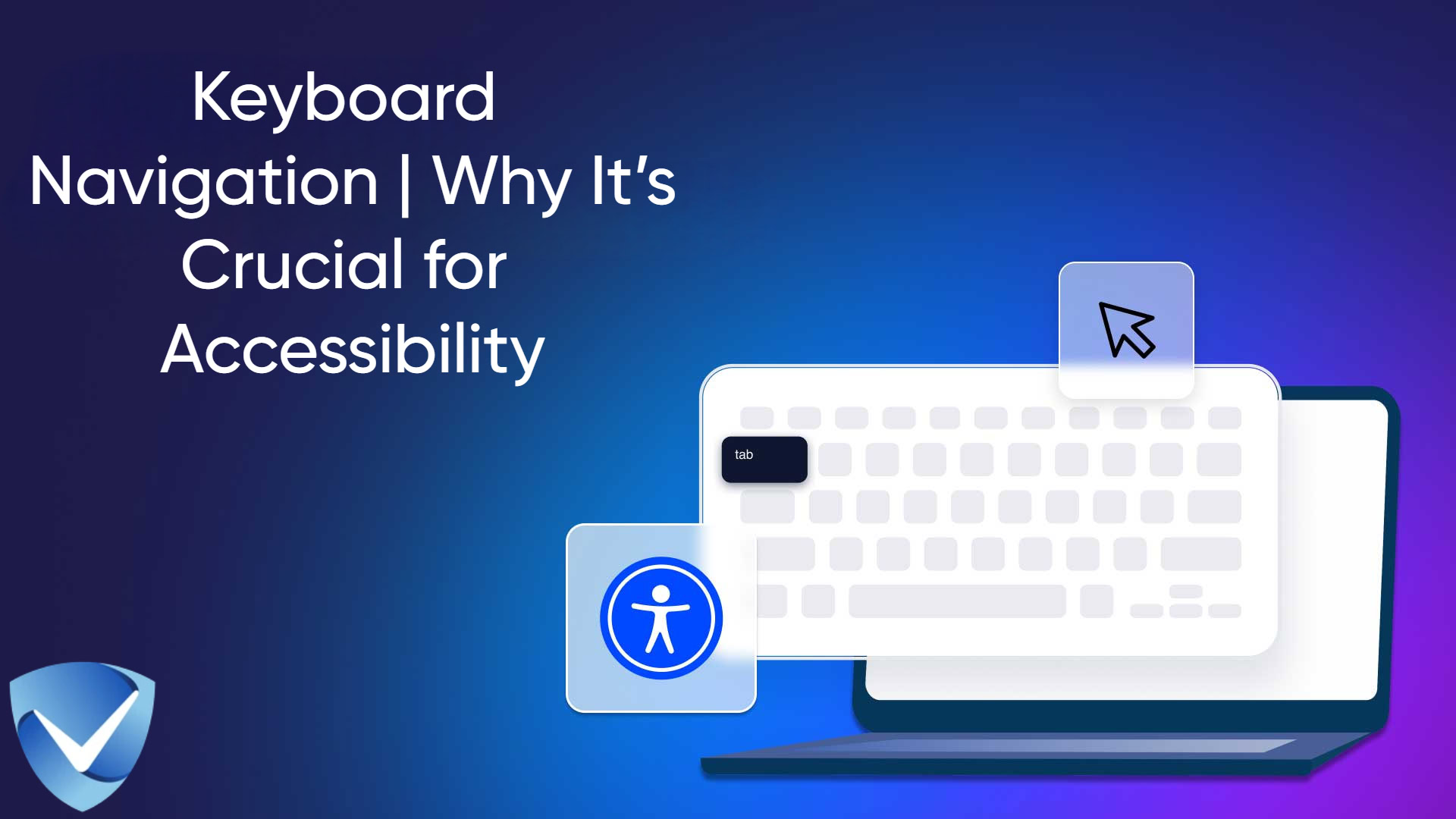
An illustration with a dark blue and purple gradient background featuring the title 'Keyboard Navigation | Why It's Crucial for Accessibility' in white text. The main visual element shows a stylized laptop with a white keyboard layout, highlighting the 'tab' key. A blue accessibility icon with a universal access symbol appears next to the laptop. A mouse cursor icon floats above the keyboard, and a blue shield logo with a white checkmark is positioned in the bottom left corner. The design uses a modern, minimalist style with clean lines and professional aesthetics.

Keyboard Navigation | Why It’s Crucial for Accessibility

Discover the importance of keyboard navigation in enhancing web accessibility for all users, especially those with disabilities. This article covers best practices, compliance with WCAG guidelines, and manual and automated testing methods. Learn how effective keyboard navigation can create a more inclusive digital environment, improve user experience, and fulfill legal obligations.

Read More
A minimalist design featuring a dark navy blue background with golden yellow text and icons. The main title 'How to Test Your Website for Accessibility | A Step-by-Step Guide' appears at the top. Below, there are five accessibility-related icons arranged around a central computer monitor icon: a pointing hand, an eye, an ear, a speaker, and a head with a brain symbol. The monitor displays 'Website Accessibility' in golden text. A blue shield logo with a checkmark appears in the bottom left corner. The color scheme and simple iconography effectively convey the topic of web accessibility testing.

How to Test Your Website for Accessibility | A Step-by-Step Guide

Website accessibility testing is crucial for creating an inclusive digital environment for all users, especially those with disabilities. This practice not only complies with legal standards like WCAG and ADA but also enhances user experience and market reach. Discover effective methods, tools, and best practices for maintaining website accessibility to foster inclusivity and avoid legal pitfalls.

Read More
A laptop computer displayed on a deep blue technological background with gear icons and connecting lines. The laptop screen shows four white accessibility icons representing different types of disabilities: a wheelchair symbol for mobility impairments, a head with a brain symbol for cognitive disabilities, a sign language symbol, and a person with a cane for visual impairments. The title 'Top 5 Accessibility Testing Tools You Can Use Right Now' appears above in large white text, and a shield-shaped security or verification icon is visible in the top right corner.

Top 5 Accessibility Testing Tools You Can Use Right Now

Discover the top five accessibility testing tools of 2025 that will help you identify and fix website accessibility barriers. From automated solutions like Axe and WAVE to manual testing with NVDA Screen Reader, these essential tools will streamline your accessibility audits and ensure WCAG compliance. Start improving your website’s accessibility today with our free scanner at Accessibility-Test.org.

Read More
Web Accessibility Checklist for Beginners (2025 Edition) title in white text on a dark gray background, with a clipboard illustration showing a checklist with green checkmarks on the right side. A blue shield logo appears in the top right corner.

Web Accessibility Checklist for Beginners (2025 Edition)

Discover the essential steps to make your website accessible in 2025 with our comprehensive beginner’s checklist. From keyboard navigation to ARIA roles, learn how to create an inclusive digital experience that complies with WCAG standards and legal requirements. Perfect for developers, designers, and business owners looking to start their accessibility journey.

Read More